Content to Gather Before Your Website Build: Photos, Logos, and Stories for Michigan Organizations
A practical checklist of the visual assets, brand files, and key stories small businesses and non-profits should collect before starting a website project so the designer can work faster and the finished site feels authentic.
Why preparing assets ahead of time matters
Coming to a website project with organized content saves time, keeps costs down, and helps the final site tell your real story. Designers can focus on layout and functionality when photos, logos, and core messages are ready. As one client noted, a patient, collaborative approach from the designer works best when customers bring thoughtful materials—this builds a smoother workflow and a more authentic site.
Photos to gather (what and how)
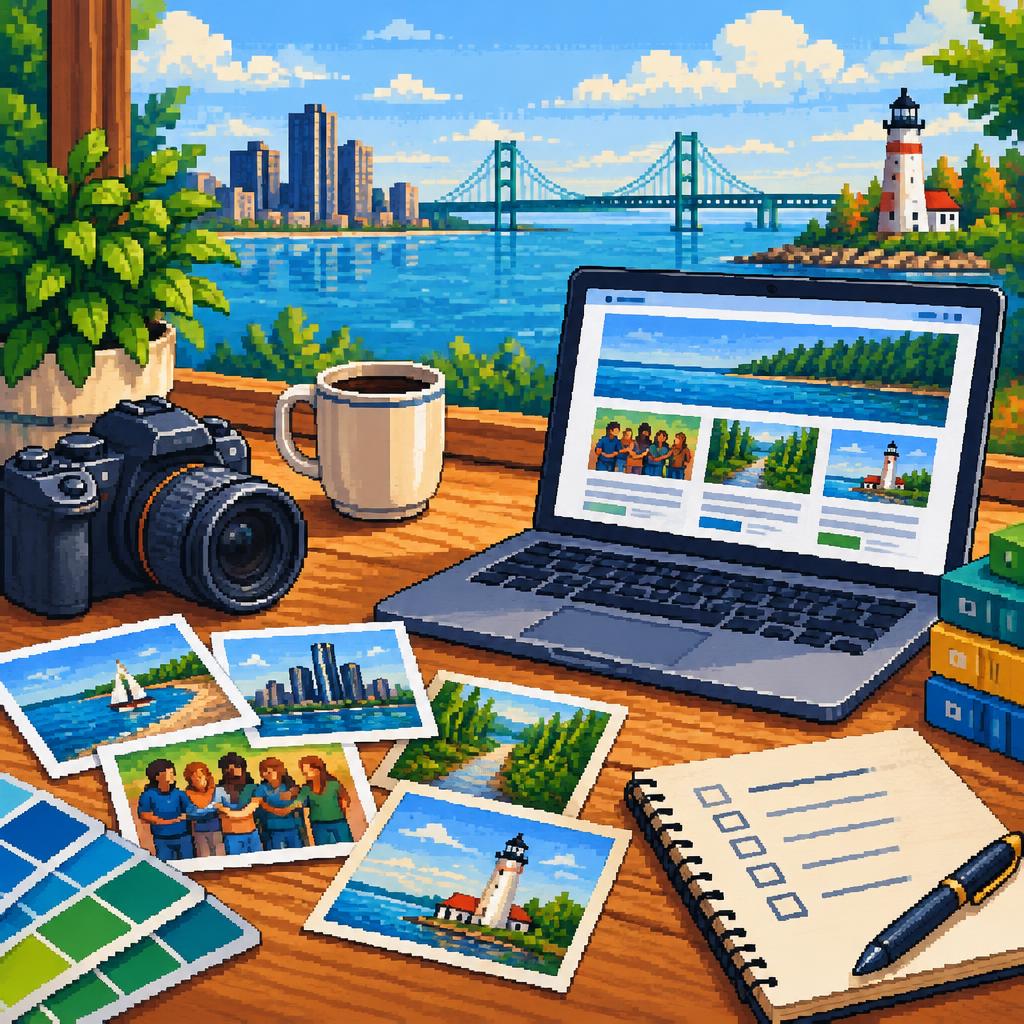
Collect a variety of images that show who you are and what you do: hero/header shots, team portraits, candid action photos from programs or events, product images, and behind-the-scenes scenes that capture mission and culture. For each photo, keep the original high-resolution file as well as any edited versions. Provide both landscape and portrait crops when possible (headers often use wide images, bios use vertical crops). Add short captions describing who or what is pictured and when the photo was taken—this helps with accessibility and page content.
Logos, brand colors, and typography
Include every logo variant you use: full-color, single-color, inverted (light on dark), and a transparent-background version for flexible placement. Vector files (SVG or EPS) are ideal for sharp rendering, with PNGs for web use. Also supply brand color values (hex or RGB) and the names or files for your primary fonts. If you have a brand guide or usage notes (spacing rules, preferred lockups, examples of what not to do), share that too so the site matches your existing materials.
Stories, messaging, and page copy to prepare
Draft clear, concise content that will appear on key pages: a short mission statement, a one-sentence elevator pitch, descriptions of services or programs, and a few impact stories or case studies. Prepare at least 1–3 short testimonials you want to feature and note where each should appear. For search and sharing, write suggested page titles and short meta descriptions (one-line summaries) for your top pages—this helps with basic SEO and social previews.
Practical files, logins, and technical details
Make a secure list of access details the designer will need: domain registrar login, hosting credentials (if you have them), CMS or current website admin access, and contact info for any third-party tools you use (donation processors, event platforms, or e-commerce providers). If you use Google Analytics or Search Console, grant temporary access or provide the tracking ID so analytics can be preserved. If you’re unsure about hosting or transfers, note that Advance WEB Strategies provides hosting and migration assistance and can advise on the best path forward.
How to organize and label your assets
Use a folder structure and clear file names so assets are easy to match to pages (for example: /Images/Team/FirstLast.jpg or /Logos/Logo_Transparent.png). Create a simple spreadsheet that maps each asset to the intended page, includes the image caption, and indicates priority (which image is the hero, which are backups). Also draft alt-text suggestions for images—short descriptions help accessibility and SEO. Share assets through a cloud folder (Google Drive, Dropbox) and give the designer a single point of contact for approvals and questions.
Final checklist and next steps (how we can help)
Before your kickoff meeting, aim to gather photos, logo files, brand colors/fonts, core page copy, testimonials, access credentials, and a short content map. Keep items you’re unsure about handy—designers can help edit images, write headlines, and recommend low-cost tools like Canva for quick graphic edits. If you’d like hands-on help, Advanced WEB Strategies (based in Rochester Hills and serving Michigan and Oakland County) offers collaborative website builds, hosting, and ongoing support. Contact us to schedule a consultation and turn your gathered assets into a polished, search-friendly website.
Customer review


Article by
Advanced WEB Strategies
Our goal is to help non-profits and small businesses create a professional website for a reasonable price. We want to create your web presence, so you can focus on what you do best. We utilize the latest technology with clean, fast development. We create websites that are compatible with tablets and smartphones.